
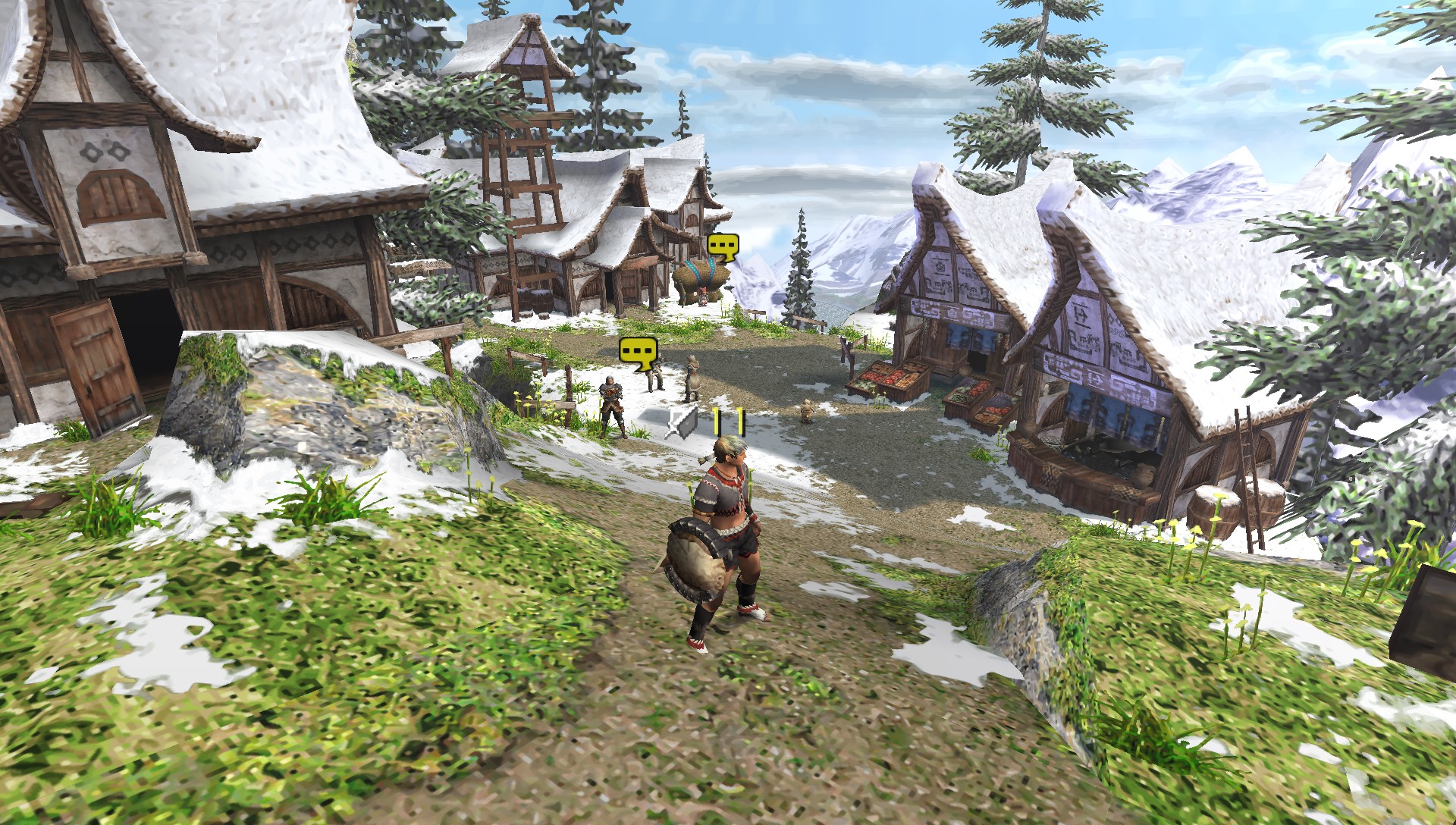
Texture detail
Scale the surfaces, too.
Texture scaling can reduce the blocky look of original assets, while texture filtering helps motion feel cleaner. Higher settings use more processing power and memory, so tune them to your device.
PPSSPP is a free, open-source PSP emulator that lets you play your own PSP games on modern phones, tablets, PCs, and more.
Games are not included. Use game files from PSP titles you own.
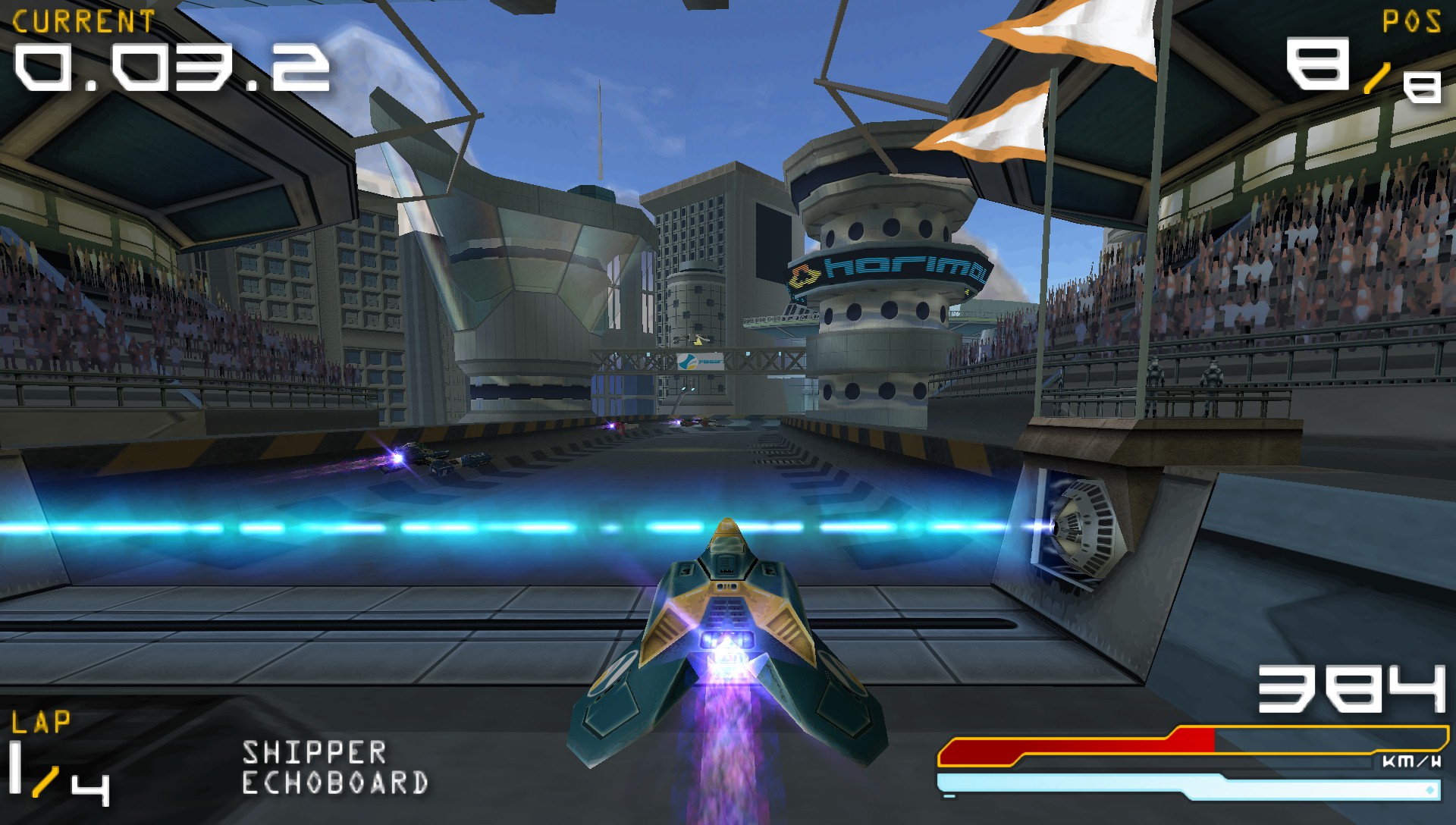
PPSSPP is an independent project. PSP is a trademark of Sony Interactive Entertainment.
Play your PSP library, your way
PPSSPP gives compatible PSP games more room to shine on modern screens, with flexible controls and practical ways to carry your progress between devices. Results vary by game and hardware, and you provide your own game files.
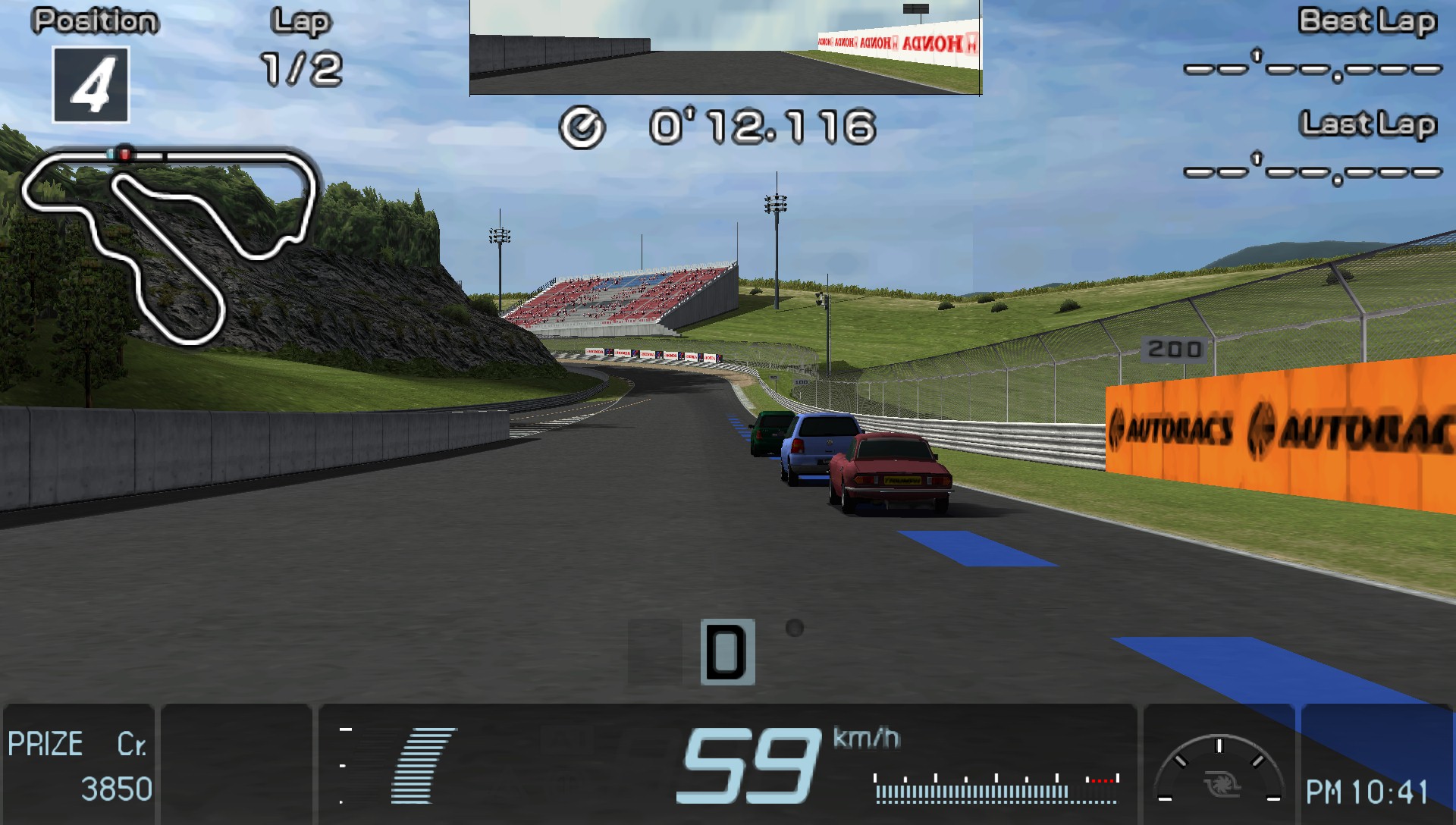
Texture detail
Texture scaling can reduce the blocky look of original assets, while texture filtering helps motion feel cleaner. Higher settings use more processing power and memory, so tune them to your device.
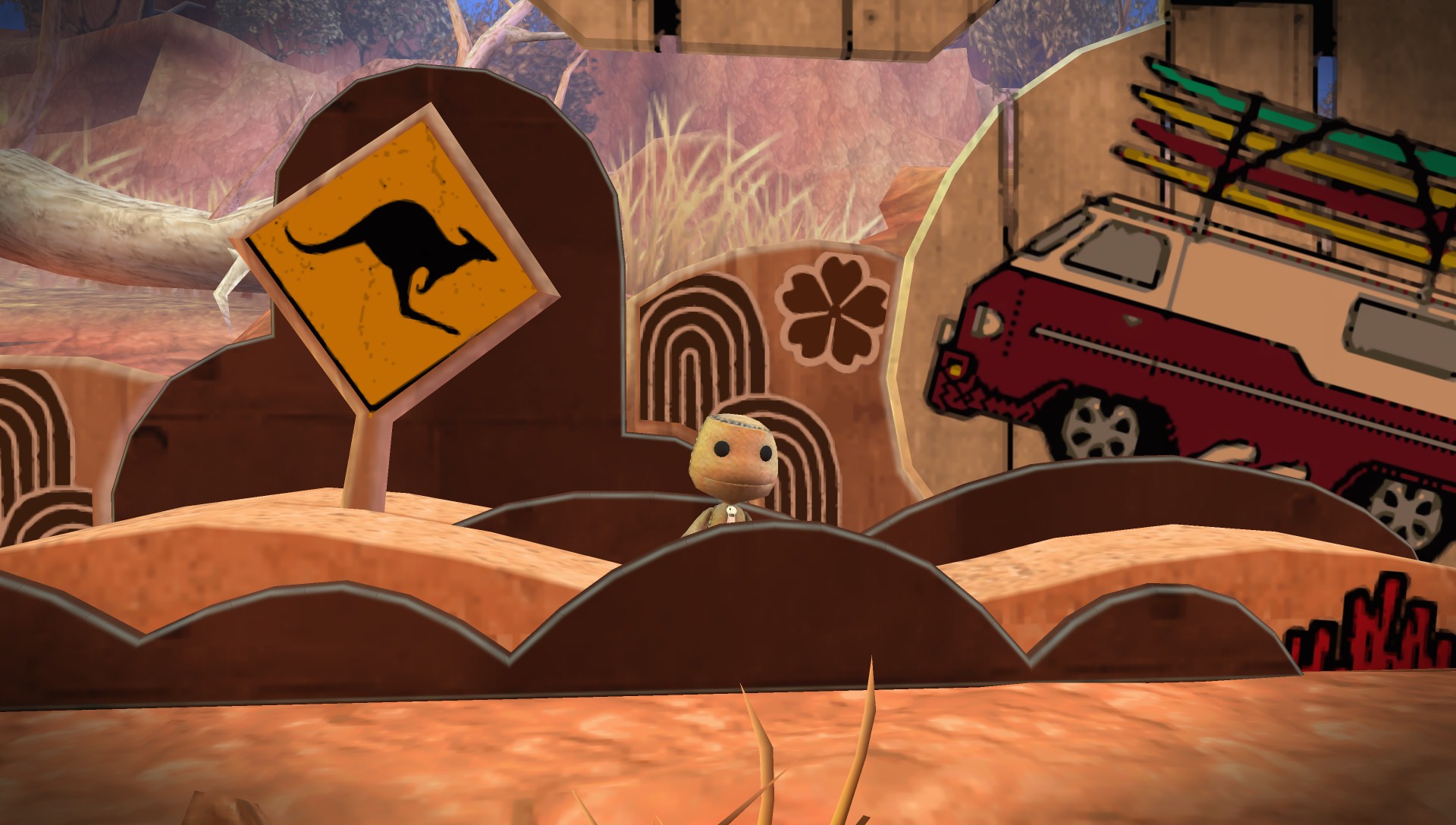
Save states
Create a state when you need to stop immediately, then return to that exact point. Keep normal in-game saves as your dependable long-term record, especially before updating PPSSPP.
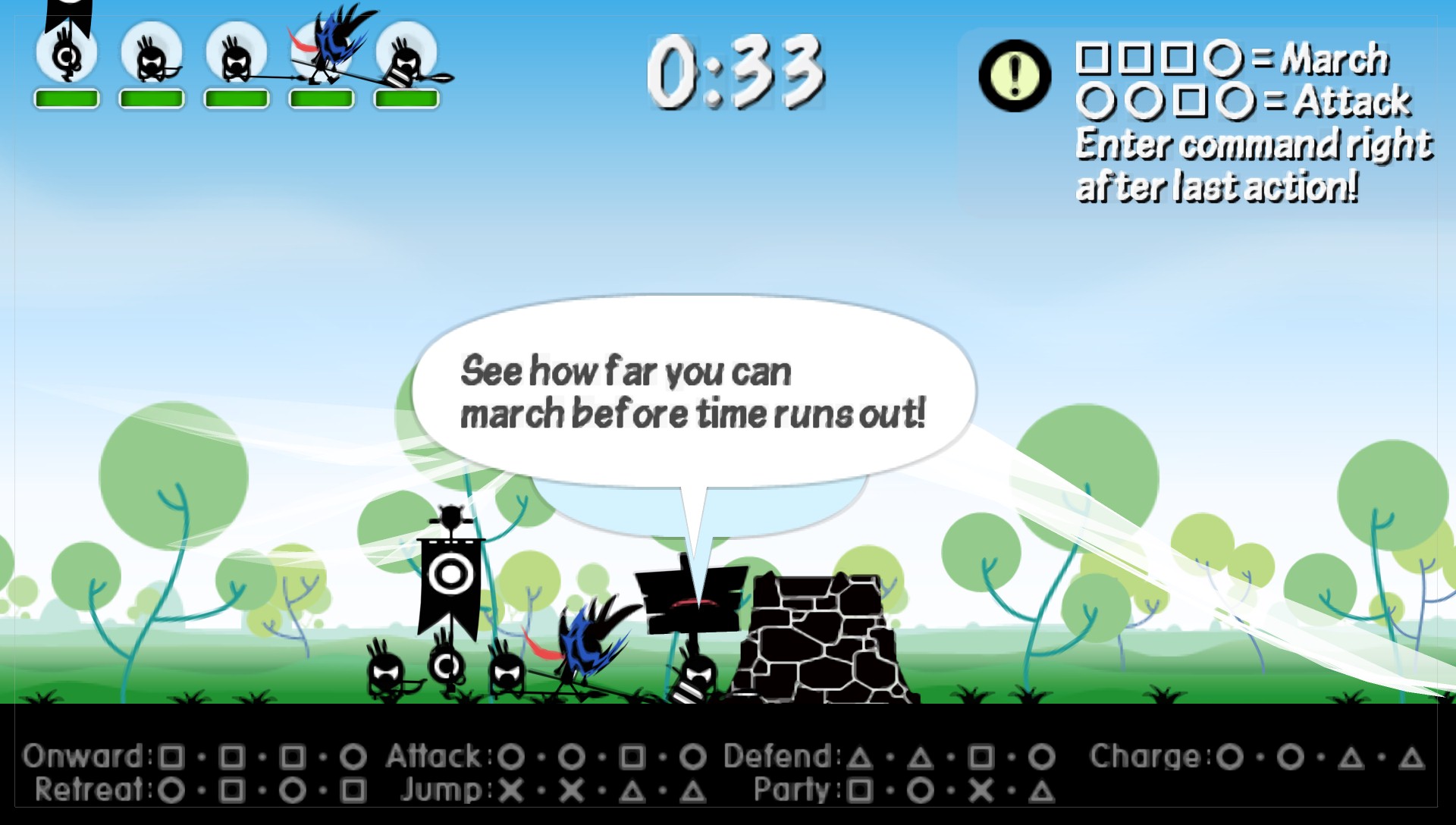
Touch + controller
Move, resize, and adjust the opacity of on-screen controls on mobile, or map a keyboard and compatible controller on larger devices. Per-game mappings help unusual control schemes feel natural.
Cross-device continuity
Move compatible PSP savedata between PPSSPP installations, or place the savedata folder in a sync service you trust. Sync is not automatic, and conflicting changes can overwrite progress. Close the game before copying files and keep backups.
Official stable release · Version 1.20.4
Start with the recommended build for your platform, or choose a portable package when you need more control. Games are not included.
What’s new in 1.20.4Use the installer for the simplest setup and automatic shortcuts. Choose a ZIP when you want a portable copy or to keep multiple versions.
Google Play is the best fit for most devices: one-tap install and automatic updates.
Get it on Google PlayInstall from the App Store for the smoothest updates. Sideloading is available for advanced users.
Download on the App StoreFlatpak integrates with your desktop; AppImage is portable and needs no install.
Use the signed DMG for a normal Applications-folder install on Apple silicon or Intel Macs.
Built for Meta Quest 2 or newer and PICO Neo3 or newer. Download the official APK, then sideload it using a trusted tool such as SideQuest.
First run · about 5 minutes
Set up PPSSPP with game dumps you made from PSP titles you own, then keep your saves somewhere you can back up.
Choose your platform on the PPSSPP download page or use your device’s official app store. Open PPSSPP once so it can create its folders.
Open official downloadsKeep your own PSP game dumps together in a folder, then choose Games → Browse. PPSSPP can open ISO, CSO, and CHD files; games are not included with the emulator.
Select the folder that contains the game files, not an individual game.
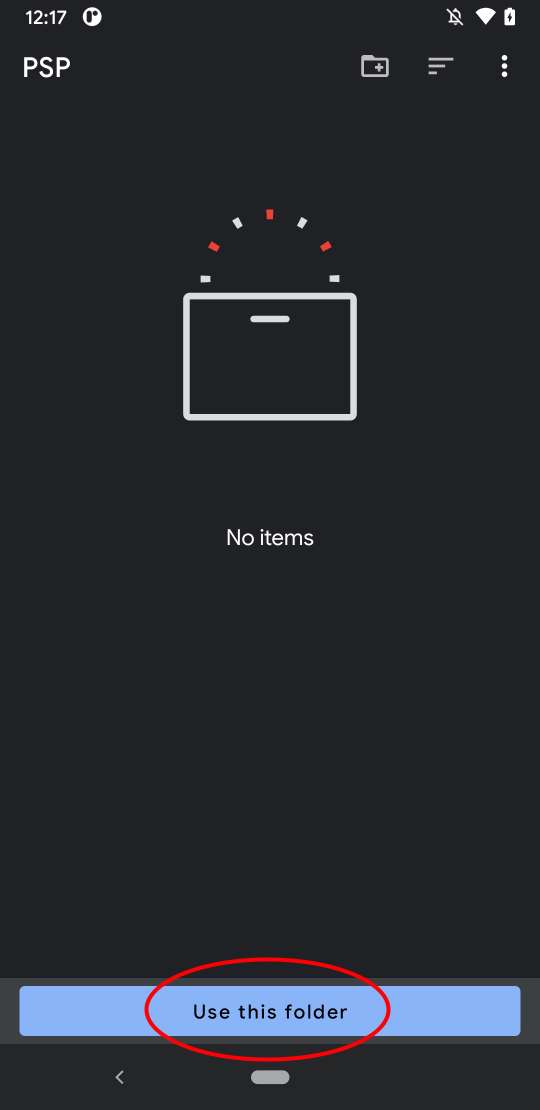
From PPSSPP, tap Browse. In Android’s picker, open the folder that holds your games, then tap Use this folder and confirm. A user-created folder such as Documents/Games/PSP is easier to grant again if access changes.
If Android does not allow the selected location, move the files to a normal user folder and choose that folder instead.
Play first without changing graphics settings. If you see a black screen, broken effects, or crashes, open Settings → Graphics → Backend and try another available backend. Restart the game after switching.
Save through the game’s own menu, and use save states as a convenience, not your only copy. Rotate between state slots and back up the PSP/SAVEDATA folder before updates, reinstalls, or device moves.
Keep at least one backup outside the PPSSPP app folder.
Quick diagnosis
Change one thing at a time, restart the game, and keep the change only if it helps.
Save states may not remain compatible across versions or changed settings; in-game saves are safer for long-term progress.
Built in the open
PPSSPP is a community-built PSP emulator with public source code and clear boundaries around what it provides.
PPSSPP is licensed under the GNU GPL 2.0 or later (opens in a new tab). Review the code, build it, or contribute on GitHub.
PPSSPP does not host or bundle PSP ROMs or ISOs. Use game files you have obtained legally; the official guide explains how to dump your own games (opens in a new tab).
PPSSPP is not affiliated with or endorsed by Sony. “PSP” is a trademark of Sony Interactive Entertainment.
PPSSPP Gold
Gold helps fund continued PPSSPP development. It does not unlock extra emulator features or improve compatibility over the free version. The distinctive gold icon is the visible difference.
Ready when you are
Choose the official PPSSPP build for your platform. The emulator is free, and your games stay yours.
Official downloads for Windows, macOS, Linux, Android, iOS and other supported platforms.