
Diagnostics
Change one thing, then test the same game.
First move for almost every issue: Settings → System → Restore default settings. Also check per-game settings; PPSSPP stores overrides per title. If the UI will not load, edit ppsspp.ini as described below. For graphics tuning, see the settings guide; for first-run setup, read the setup guide.
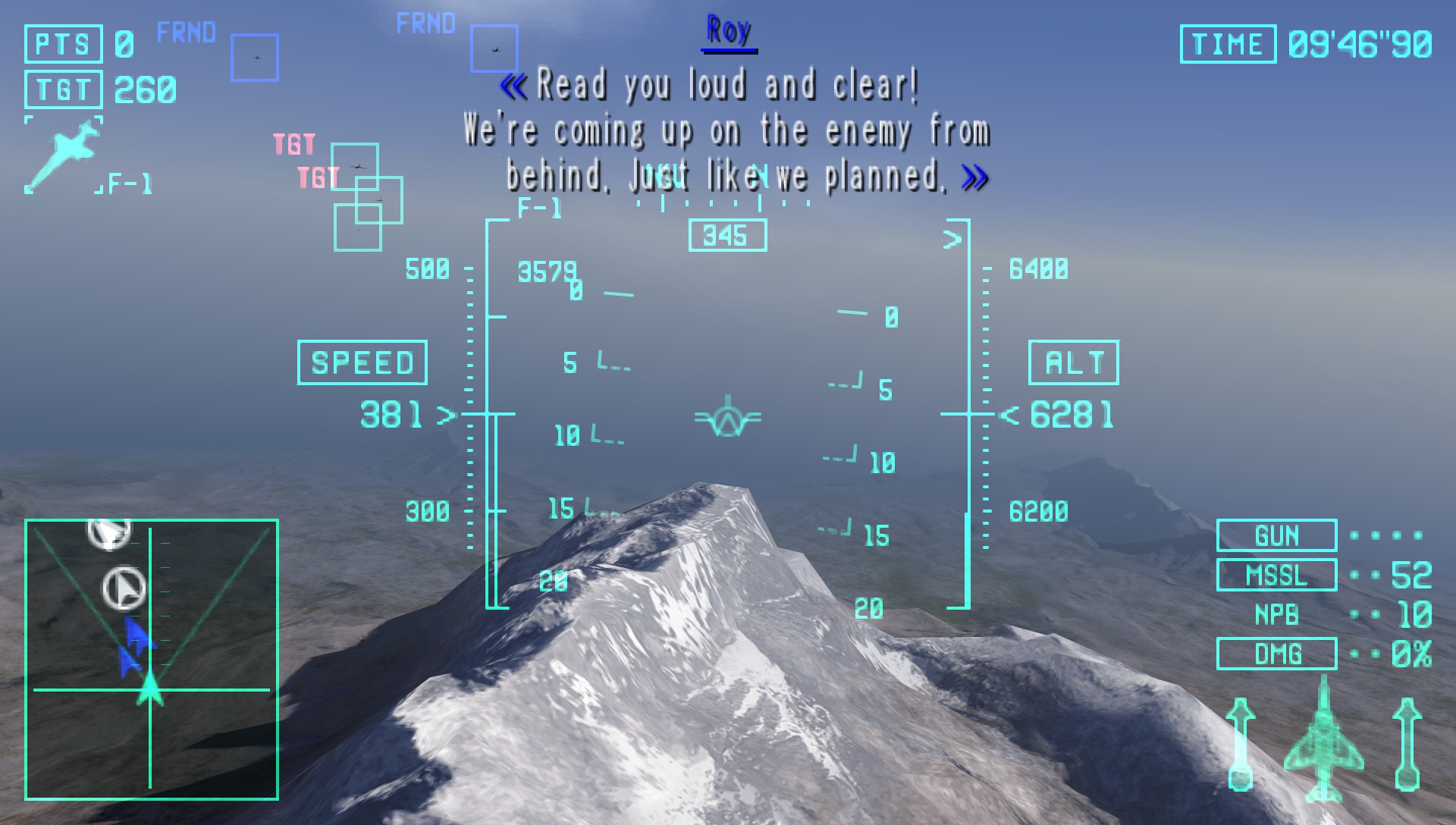
Issue table
| Problem | Likely cause | First fix |
|---|---|---|
| Crash on startup | GPU driver or audio backend | Update drivers. On Windows try DirectSound vs WASAPI. Switch graphics backend. |
| Crash after enabling hacks | Fast Memory, frameskip, skip buffer effects | Restore defaults. If Fast Memory off is required in single-player, report the game on the community page. |
| Low FPS | Resolution or texture scaling too high | Drop to 1× to 2× PSP. Disable texture scaling and shaders. Swap Vulkan and OpenGL. |
| Missing effects | Block transfer off or skip buffer effects on | Enable Simulate block transfer. Use buffered rendering. Turn skip buffer effects off. |
| Crackling audio | Buffer too small | Raise audio latency one step. Disable audio stretching. |
| Save or load failed | Memstick path or permissions | Use a local folder, not a syncing cloud directory. On Android, re-pick the PSP folder. |
| Games vanished after an Android update | Scoped storage | Browse to the ISO folder again in the Games tab. |
| Vulkan black screen | Incomplete Vulkan driver | OpenGL on Android, Direct3D 11 on Windows. Then update GPU drivers. |
| Ad-hoc will not connect | Version mismatch or firewall | Same PPSSPP version on every device. Matching server address. Try Fast Memory off only for that title. |
| Pad works everywhere except PPSSPP | Overlay or accessibility apps | Disable floating menus and accessibility overlays. Remap under Controls. |
| Slow in-game save load (Android 11+) | Scoped storage or wrong memstick path | Re-grant memstick folder in Settings → System. Keep SAVEDATA on internal storage. |
| Game list empty after update | Lost folder permission | Games tab → Browse → pick ISO folder again. Confirm memory stick directory. |
| Save state crash on create | Fast Memory plus specific title | Game Settings → disable Fast Memory for that game only. Use in-game saves. |
| Memory stick changed then black screen | Title-specific save bug | Clear per-game savedata. Fresh memstick folder. Avoid states for that campaign. |
| Random stutter in open areas | CSO max compression | Recompress CSO at lower level or use ISO for that title. |
| Purple or missing textures | HD texture pack mismatch | Remove PSP/TEXTURES packs or update them for your PPSSPP version. |
| Game runs too fast | Frameskip or uncapped speed | Frameskip off, speed limit 100%. Disable cheat speed codes. |
| CHD will not load | PPSSPP too old | CHD needs 1.17 or newer. Update PPSSPP or convert back to ISO or CSO. |
| Bluetooth audio delay | Small audio buffer | Increase audio latency. Wired headphones for rhythm titles. |
| One game settings ignored | Per-game override active | Game Settings → Restore game-specific settings. |
Android-specific checklist
- First launch: create
PSPat storage root, then tap Use this folder. - After a major Android update: re-browse to your ISO directory in the Games tab.
- If saves load slowly: move
SAVEDATAto internal storage; keep ISOs on SD if needed. - Never put the memstick inside Google Drive, OneDrive, or Dropbox sync folders.
- Battery saver modes throttle the GPU. Exclude PPSSPP or disable restriction while playing.
Reset procedure
- Settings → System → Restore default settings.
- Quit the app fully and reopen it.
- Set backend only. Test one game.
- If FPS is stable, raise rendering resolution one step.
- Still broken: try a development build from the download page after backing up saves, or ask with logs on community channels.
When the UI never appears
On Windows the config is usually Documents/PPSSPP/memstick/PSP/SYSTEM/ppsspp.ini. GraphicsBackend values commonly used: 0 OpenGL, 2 Direct3D 11, 3 Vulkan (confirm in your version if a value does nothing). Change one key, save, relaunch.
For a full walkthrough of graphics and audio options, see settings explained.